μGui · EMBEDDED GUI LIBRARY
Lightweight library.
Beautiful screens.
30+ widget families with anti-aliased rendering, a built-in animation engine and a semantic theme system — in portable C with zero heap allocation. Designed for the screens that get audited: medical devices and automotive clusters, and every industrial or consumer panel in between.
Explore the widgets Get started
- Zero-heap, caller-owned memory
- MISRA‑C checked
- IEC 62304 · ISO 26262 profile
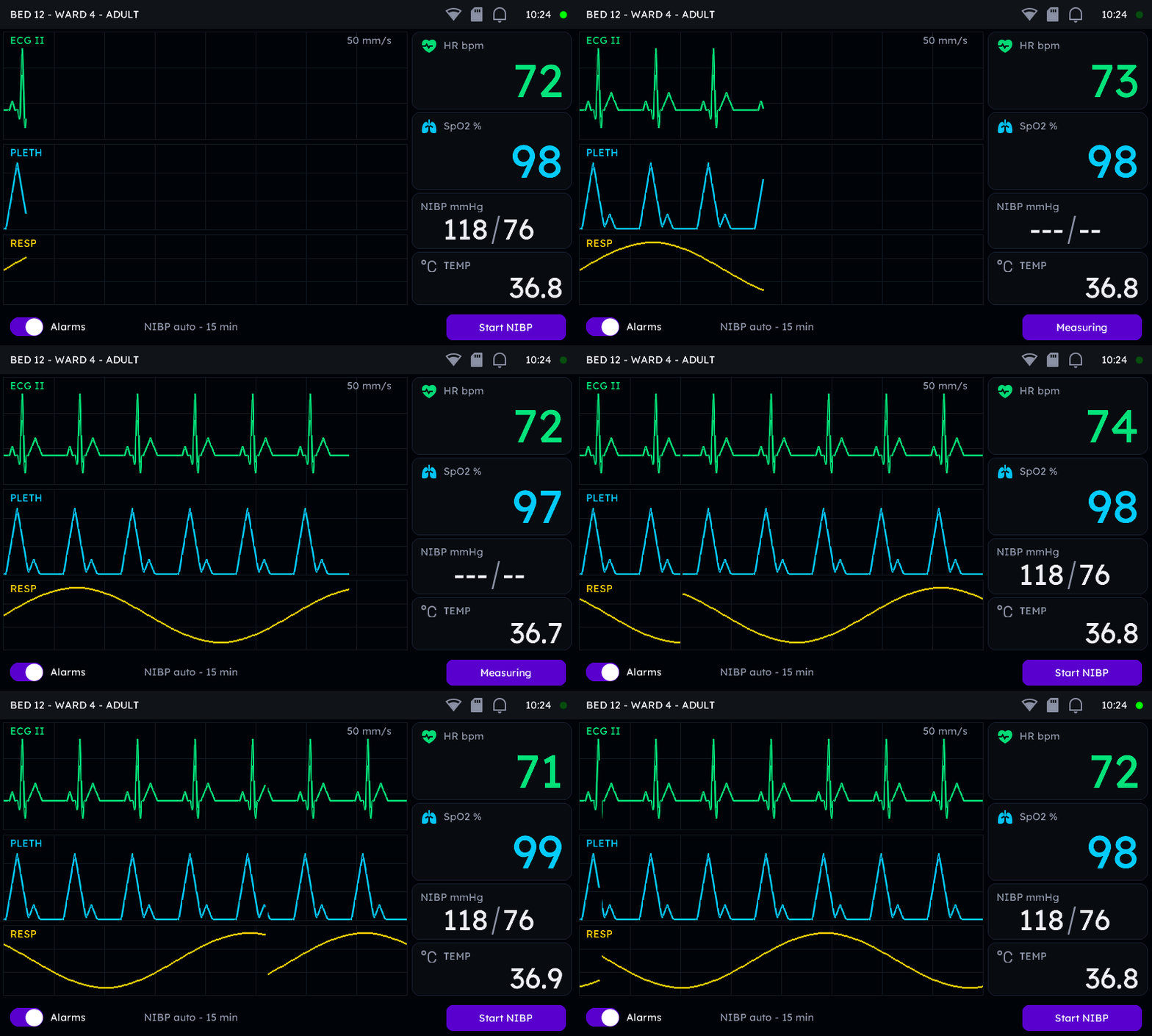 REAL C RENDER
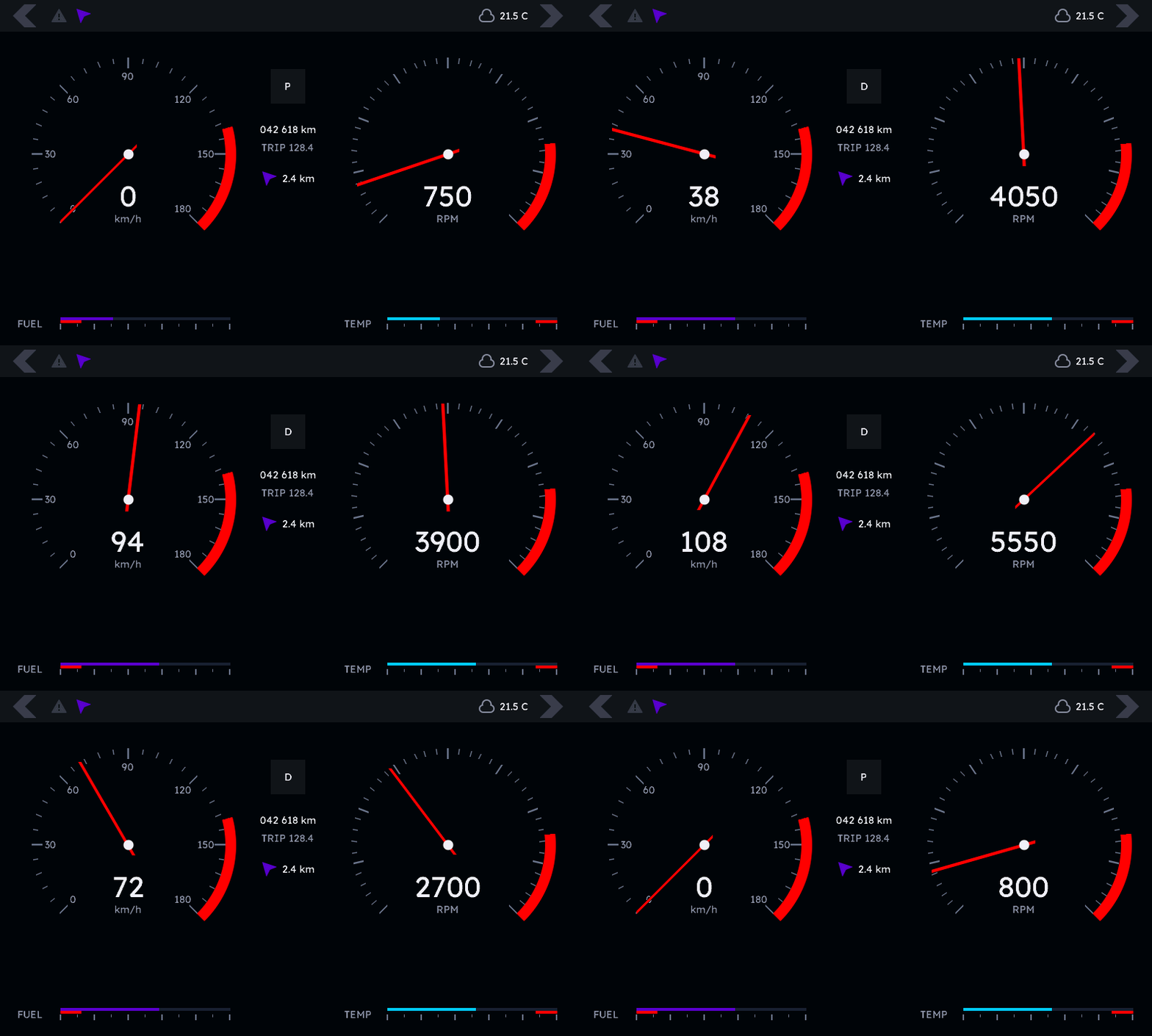 REAL C RENDER
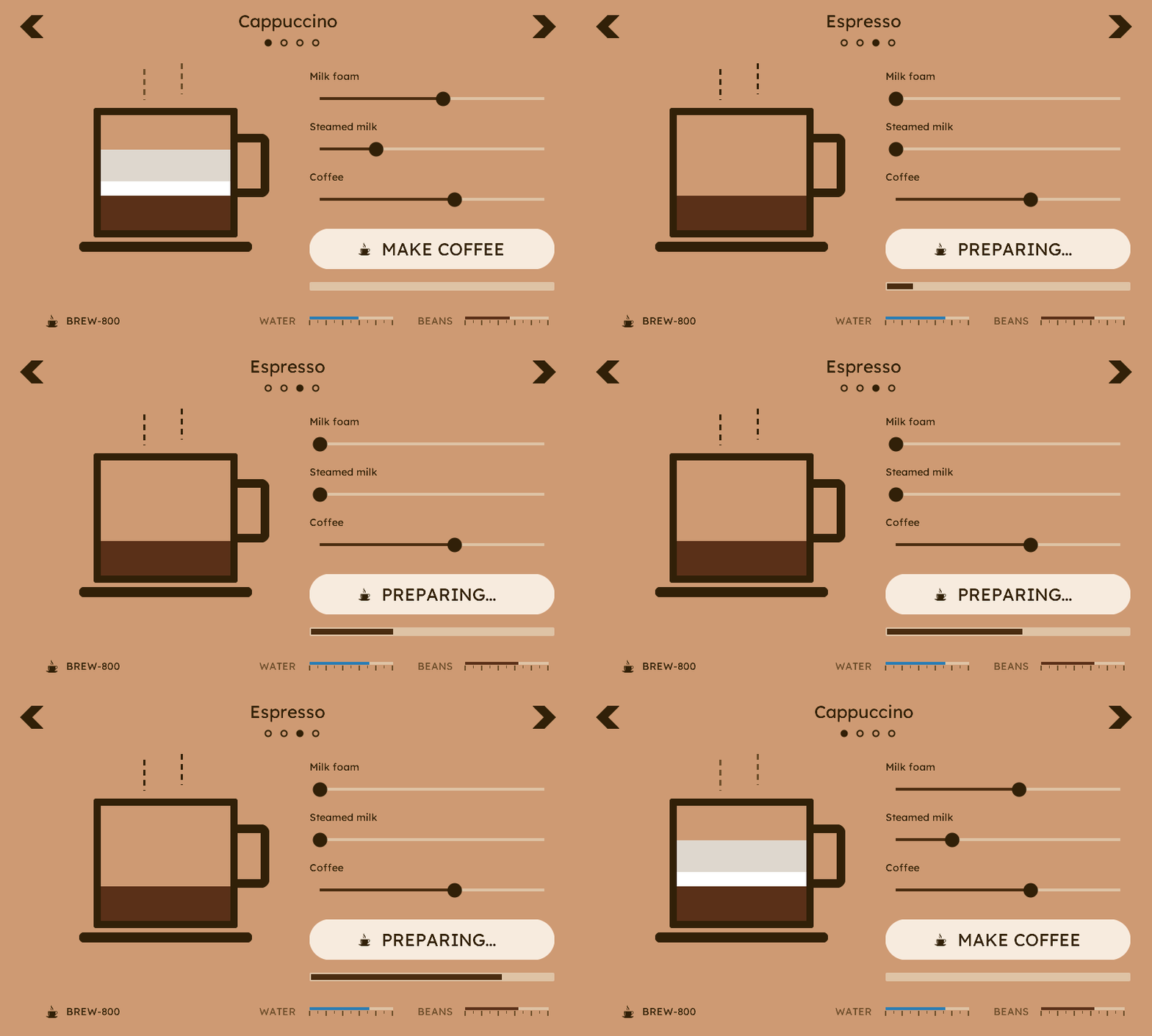 REAL C RENDER
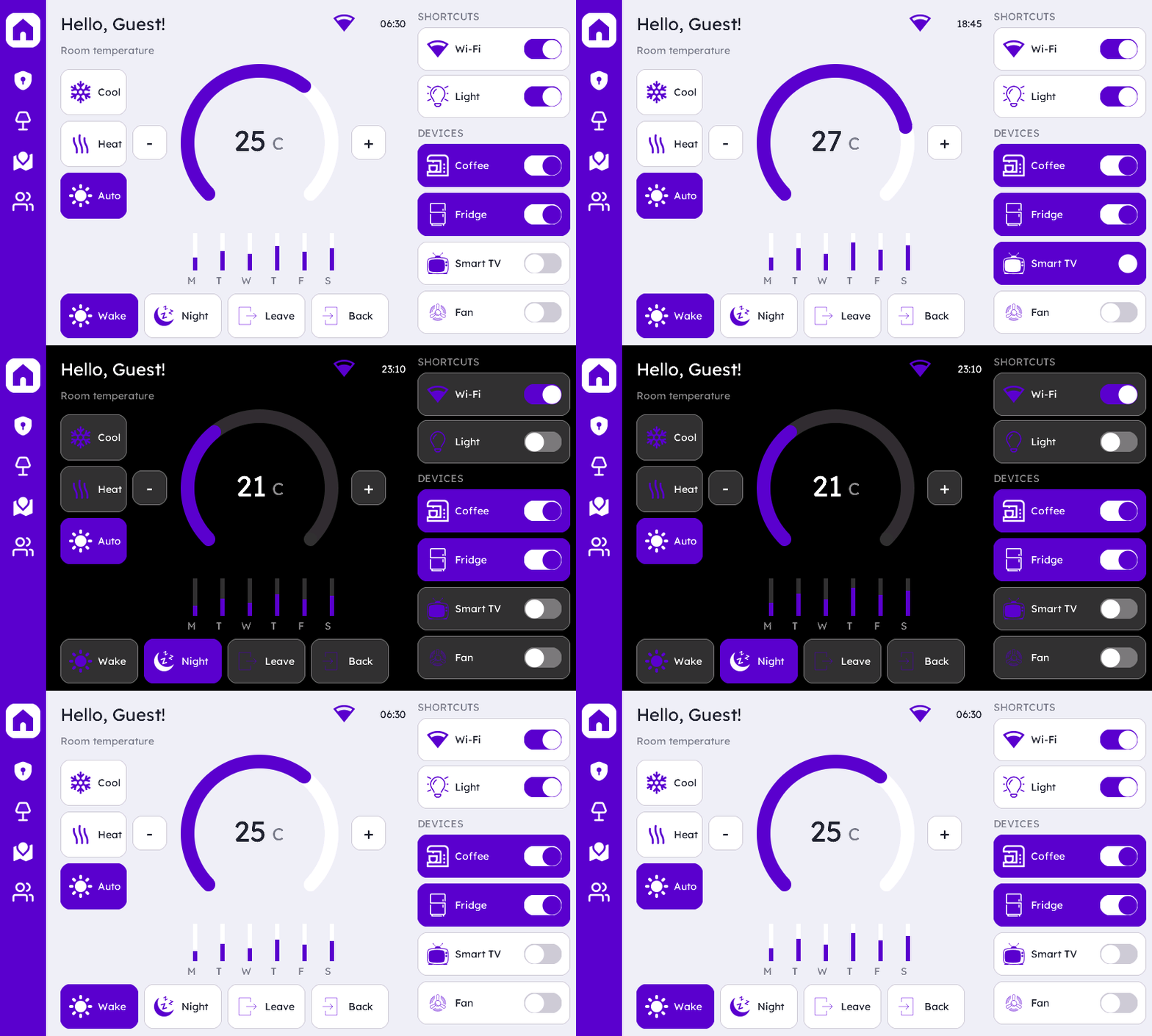 REAL C RENDER
Every screen on this device is the real thing — recordings of the C library rendering the example screens, frame by frame, at 1:1 pixels. Four products, one library — watch Smart Home switch its whole theme to dark at night.
Made for the screens that matter
Most GUI libraries chase phones. μGui is built for panels where a redraw glitch is a field report — and where the codebase itself gets reviewed.
Medical devices
Deterministic redraws, caller-owned memory and semantic status colours — alert, nominal and informational states are first-class palette entries, not conventions. A compliance documentation set positions μGui as SOUP under IEC 62304.
Automotive
Fixed memory footprint known at link time, no allocator to fragment, no garbage collector to pause a cluster mid-drive. Positioned as a Safety Element out of Context (SEooC) for ISO 26262 programs.
Industrial & beyond
Coffee machines, lab instruments, HVAC panels, wearables — the same premium widget set scales down to the smallest monochrome display and up to full-colour touch panels.
Why teams pick μGui
Zero-heap architecture
Every widget lives in storage you declare — a widget struct plus a small _ext struct. No malloc, no fragmentation, no out-of-memory surprises after week three in the field.
Anti-aliased everything
Arcs, polygons, rounded corners and 2 bpp fonts are all edge-blended by the rendering core. The result reads as “premium” even on a bare 320×240 panel.
Animation engine built in
Attach one ugui_anim_cfg_t and a tap darkens, lightens or colour-inverts the widget automatically. Press feedback without a single line of animation code.
Ship only what you use
Every widget family sits behind its own compile-time switch. Fonts, images, keypad support — each is a flag. Your binary contains exactly the GUI you use, nothing else.
Semantic theming
Four theme slots — accent, surface, knob, background — drive every default. Rebrand an entire product with a handful of -D flags; swap dark for light without touching a widget.
Touch and keypad, same code
Widgets respond to touch events and to keypad focus navigation through one event mask. Build once, ship with a touchscreen or with four hard keys.
Write C. Ship polish.
This is the entire program-side of a screen — real code from the widget docs, next to the exact frame it renders.
/* file-scope storage — no heap, ever */
ugui_screen_t          screen_home;
static ugui_widget_t   s_root;
static ugui_widget_t   s_box;
static ugui_box_ext_t  s_box_ext;
static ugui_text_cfg_t s_text;

/* build it */
ugui_widget_box_init(&s_root, &s_box, &s_box_ext);
ugui_text_cfg_init(&s_text, "Hello uGui",
                   &lexend_14pt_2bpp, UGUI_THEME_KNOB,
                   UGUI_ALIGN_CENTER, (ugui_point_t){0, 0}, 1u);
ugui_widget_box_set_text(&s_box, &s_text);
ugui_screen_add_widget(&screen_home, &s_box);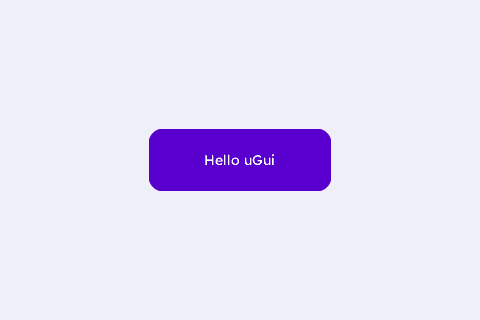
30+ families. One design language.
From a humble label to waveforms, tables and calendars — every family shares the same defaults, theme slots and event model. Documented families are highlighted; the rest are on the way.
Make in India. Made of widgets.
Ready when your panel is.
Start with the widget catalog, or grab the skeleton and have a screen rendering in minutes.